Important
Before users can access the HiveLinkTM Cloud, they will need to set up their Apian SortTM user account. This process will need to be completed for all employees who have user accounts in the Apian SortTM system.
Users will receive an email from EII informing them that their user account has been created. The email will prompt them to change/create a password to log into their account.
Click on the link in the email and users will be taken to this page:
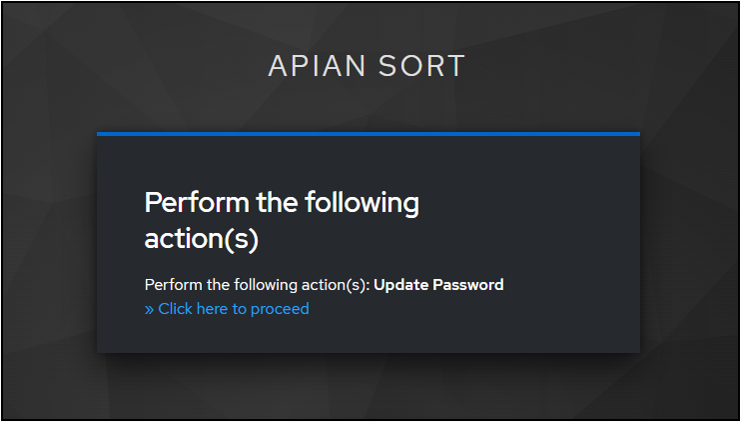
Click on “Click here to proceed”. Users will then be directed to a page where they can create their password.
Enter a new password.
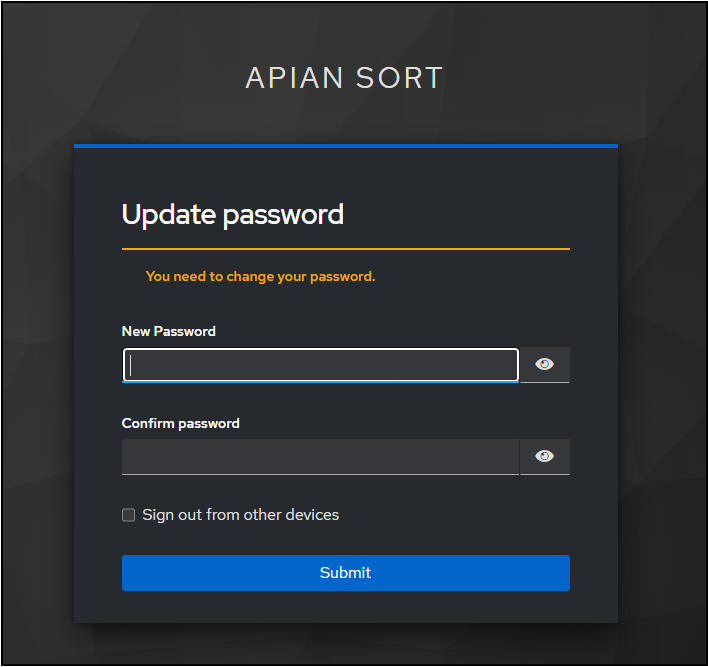
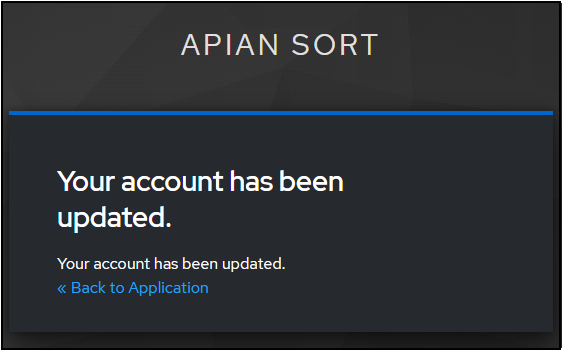
Once a new password has been created, click “Submit”. Users be directed to a page informing them that their account has been updated.

Click on “Back to Application”.
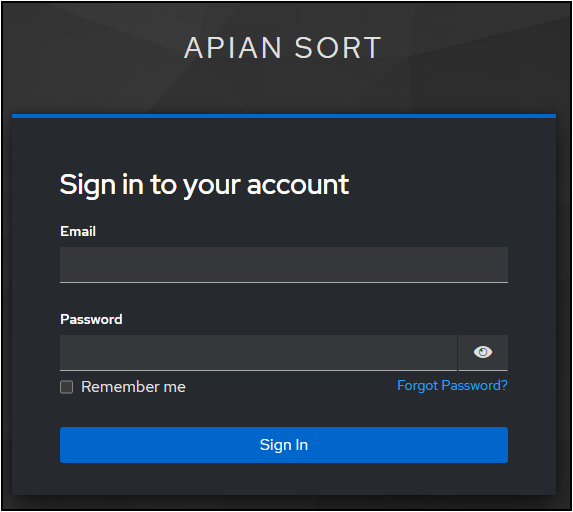
Users will then be asked to sign into the cloud site using their new password. Once they're signed in, the site will open to the Mailings Editor.
Was this article helpful?
That’s Great!
Thank you for your feedback
Sorry! We couldn't be helpful
Thank you for your feedback
Feedback sent
We appreciate your effort and will try to fix the article