After logging in, the HiveLinkTM Cloud will open to the Mailings Editor.
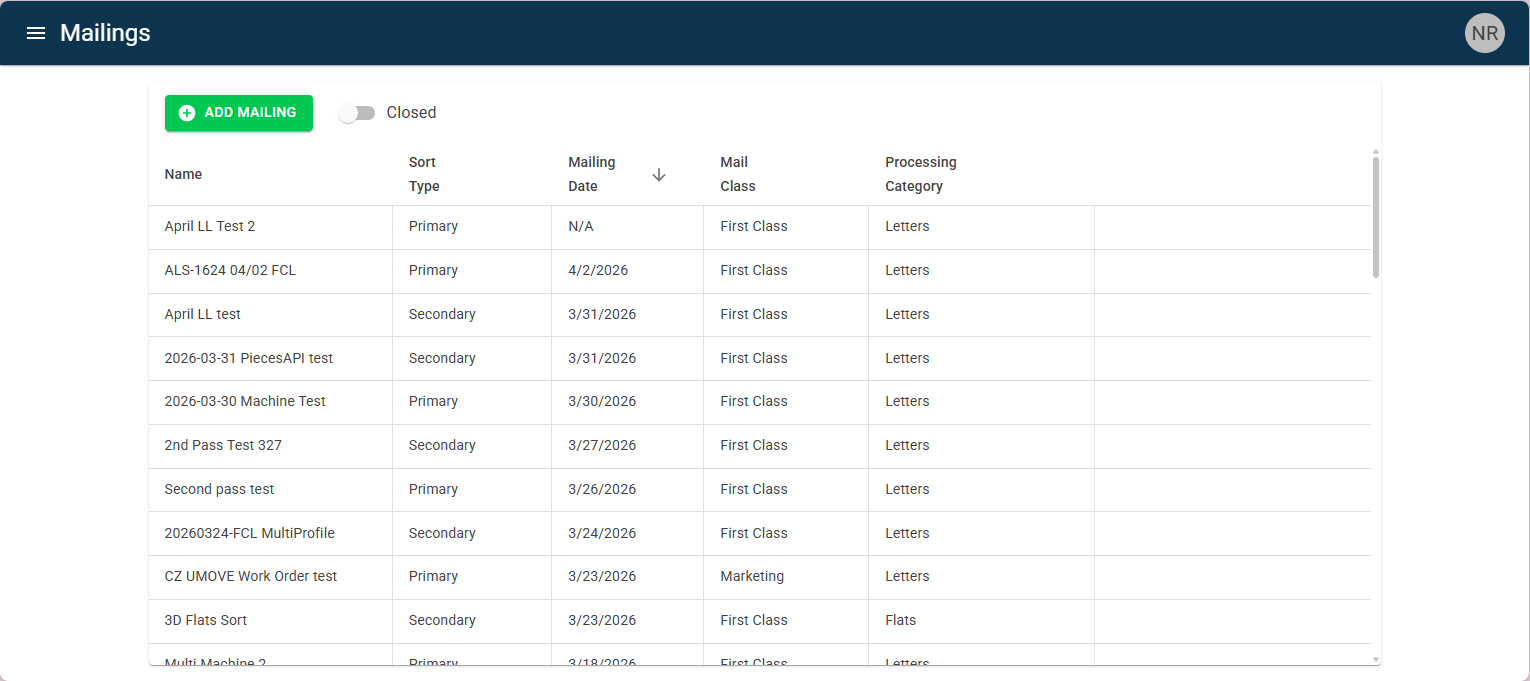
To navigate to the other editors in the cloud site, click on the sidebar menu in the top left of the screen:
(icon shown to the right)

The sidebar menu will open with a list of the editors in the HiveLinkTM Cloud. Click on the editor to open the page.
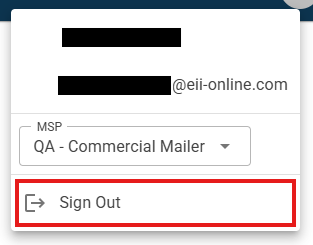
To sign out of the cloud site, click on the user account icon in the top right corner of the screen:
(icon shown to the right)

This will open a small pop-up menu. Click on “Sign Out” to exit out of the cloud site.
Was this article helpful?
That’s Great!
Thank you for your feedback
Sorry! We couldn't be helpful
Thank you for your feedback
Feedback sent
We appreciate your effort and will try to fix the article